

WordPress SEO in 2026: The Complete Optimization Guide
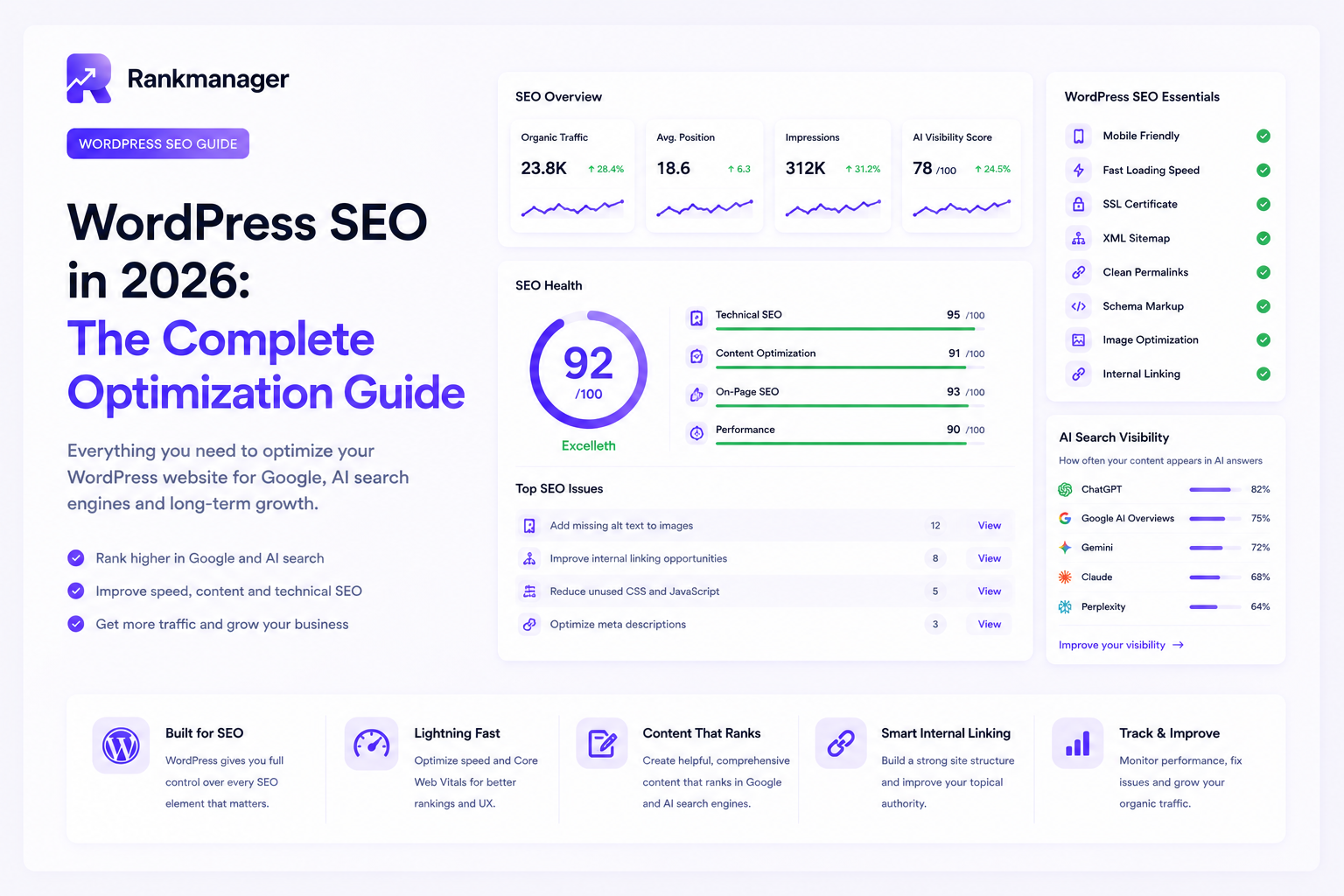
WordPress SEO in 2026: The Complete Optimization Guide
Introduction
WordPress powers more than 40% of all websites, making it the world’s most popular content management system. But simply using WordPress doesn’t guarantee good search engine rankings.
SEO has changed dramatically over the past few years.
Today, websites need to perform well not only in Google Search but also in AI-powered search platforms like ChatGPT, Google AI Overviews, Gemini, Claude, and Perplexity.
The good news?
WordPress remains one of the best platforms for SEO—provided it’s configured correctly.
This guide walks you through everything you need to optimize your WordPress website for both traditional SEO and AI Search in 2026.
Why WordPress Is Great for SEO
One of WordPress’s biggest strengths is flexibility.
Unlike many website builders, WordPress gives you complete control over:
- URL structure
- Meta titles and descriptions
- Schema markup
- Internal linking
- Content management
- Page speed optimization
- Image optimization
- Technical SEO
Combined with the right tools and strategy, WordPress provides an excellent foundation for long-term organic growth.
Step 1: Choose Fast, Reliable Hosting
SEO starts before visitors even reach your website.
Google and AI platforms prefer websites that load quickly.
Choose hosting that offers:
- NVMe SSD storage
- HTTP/3 support
- PHP 8.3 or newer
- Built-in caching
- Automatic backups
- Global CDN support
A slow server will negatively impact every other SEO effort.
Step 2: Install an SEO Plugin
An SEO plugin simplifies many optimization tasks.
It helps manage:
- Meta titles
- Meta descriptions
- XML sitemaps
- Canonical URLs
- Schema markup
- Open Graph settings
- Indexing controls
The right plugin should also support AI-powered optimization to keep up with the future of search.
Step 3: Use an SEO-Friendly URL Structure
Permalinks should be simple and descriptive.
Good example:
yourwebsite.com/wordpress-seo-guide
Avoid URLs like:
yourwebsite.com/?p=4827
Clean URLs improve both usability and crawlability.
Step 4: Optimize Your Content
Content remains the most important ranking factor.
Every page should:
- Solve a real problem
- Answer search intent
- Be easy to read
- Include clear headings
- Provide practical value
Avoid writing solely for keywords.
Instead, focus on creating content that genuinely helps your audience.
Step 5: Build Topic Clusters
Publishing random blog posts is no longer enough.
Instead, organize your content into connected topic clusters.
Example:
WordPress SEO
- WordPress SEO Guide
- Technical SEO
- AI Search Optimization
- Internal Linking
- Image Optimization
- WooCommerce SEO
- Core Web Vitals
This structure helps both Google and AI systems understand your expertise.
Step 6: Improve Internal Linking
Internal links remain one of the easiest ways to improve SEO.
Benefits include:
- Better crawlability
- Improved user experience
- Stronger topical authority
- More efficient PageRank distribution
Every important page should naturally link to related content.
Step 7: Optimize Images
Images are often overlooked.
Every image should have:
- Descriptive filename
- Alt text
- Proper dimensions
- Compression
- Modern format (WebP or AVIF)
Large, unoptimized images are one of the biggest causes of slow websites.
Step 8: Improve Website Speed
Page speed affects both rankings and user experience.
Focus on:
- Image optimization
- Browser caching
- Minified CSS and JavaScript
- Lazy loading
- Database optimization
- CDN usage
Google’s Core Web Vitals remain an important ranking signal.
Step 9: Make Your Website Mobile-Friendly
Most searches now happen on mobile devices.
Your website should:
- Adapt to every screen size
- Have readable typography
- Use large touch targets
- Load quickly on mobile networks
Google uses mobile-first indexing, making mobile optimization essential.
Step 10: Optimize for AI Search
Traditional SEO alone is no longer enough.
AI-powered search platforms evaluate content differently.
To improve AI visibility:
- Answer questions directly
- Use natural language
- Create comprehensive guides
- Build topical authority
- Update content regularly
- Demonstrate expertise
- Connect related articles
AI platforms reward trustworthy, well-structured content.
Step 11: Use Structured Data
Schema markup helps search engines understand your content.
Useful schema types include:
- Article
- FAQ
- Organization
- Breadcrumb
- Product
- Review
- Local Business
Structured data improves your chances of appearing in rich results and AI-generated answers.
Step 12: Secure Your Website
Security is often overlooked as an SEO factor.
Protect your website by using:
- HTTPS
- Strong passwords
- Two-factor authentication
- Security plugins
- Automatic updates
- Daily backups
A compromised website can lose rankings almost overnight.
Step 13: Keep WordPress Updated
Running outdated software creates security and performance issues.
Regularly update:
- WordPress core
- Themes
- Plugins
- PHP version
Updates improve performance, compatibility and security.
Step 14: Monitor Technical SEO
SEO isn’t a one-time task.
Regularly monitor your website for:
- Broken links
- Redirect chains
- Crawl errors
- Missing meta data
- Duplicate content
- Indexing issues
- Core Web Vitals
- Schema errors
Small technical issues often become large SEO problems over time.
Step 15: Publish Consistently
The best-performing websites continually publish useful content.
Create content around your niche instead of writing about unrelated topics.
Consistency helps build:
- Authority
- Trust
- Organic traffic
- AI visibility
One article per week is often enough to create significant long-term growth.
Common WordPress SEO Mistakes
Many websites lose rankings because of simple mistakes.
Avoid:
- Slow hosting
- Too many plugins
- Duplicate content
- Missing image alt text
- Poor internal linking
- Thin content
- Ignoring technical SEO
- Never updating articles
- Publishing without a content strategy
These issues are easier to prevent than to fix later.
WordPress SEO Checklist
Before publishing any page, make sure you’ve completed the following:
Technical SEO
✅ Fast hosting
✅ HTTPS enabled
✅ XML sitemap
✅ Mobile-friendly
✅ Clean URLs
✅ Schema markup
Content
✅ Helpful
✅ Comprehensive
✅ Easy to read
✅ Updated
✅ Answers search intent
Images
✅ Compressed
✅ WebP or AVIF
✅ Alt text added
✅ Correct filename
AI Search
✅ Answers the main question immediately
✅ Links to related articles
✅ Demonstrates expertise
✅ Supports topic clusters
User Experience
✅ Fast loading
✅ Clear navigation
✅ Short paragraphs
✅ Strong call-to-action
Why AI Search Changes WordPress SEO
The biggest difference between SEO in 2020 and SEO in 2026 is the rise of AI-powered search.
Google rankings are still important, but users increasingly discover websites through:
- ChatGPT
- Google AI Overviews
- Gemini
- Claude
- Perplexity
This means your WordPress website should no longer be optimized solely for search engines.
It should also be optimized to become a trusted source AI systems reference when generating answers.
How Rankmanager Helps
Managing WordPress SEO manually takes time.
Rankmanager automates much of the work.
With Rankmanager, you can:
- Optimize pages automatically
- Generate SEO-friendly content
- Improve internal linking
- Detect technical SEO issues
- Optimize products and categories
- Monitor AI visibility
- Discover new content opportunities
- Stay ahead of algorithm changes
Instead of spending hours optimizing your website manually, Rankmanager continuously helps improve your visibility across both Google and AI-powered search platforms.
Frequently Asked Questions
Is WordPress still the best CMS for SEO?
Yes. WordPress remains one of the most SEO-friendly content management systems because of its flexibility, ecosystem and optimization capabilities.
Do I still need an SEO plugin?
Absolutely. An SEO plugin simplifies many essential optimization tasks and helps maintain technical SEO best practices.
Is AI changing WordPress SEO?
Yes. SEO now extends beyond Google rankings. WordPress websites should also be optimized for AI-powered search platforms such as ChatGPT and Google AI Overviews.
How often should I update my content?
Review important pages every three to six months and update them whenever significant industry changes occur.
What’s the biggest WordPress SEO mistake?
Ignoring technical SEO. Slow websites, poor internal linking and outdated content often limit rankings more than keyword optimization.
Final Thoughts
WordPress continues to be one of the best platforms for building a high-performing website.
But success in 2026 requires more than installing an SEO plugin and publishing blog posts.
The websites that perform best combine excellent technical SEO, helpful content, strong topical authority and AI-friendly optimization.
By focusing on both traditional SEO and AI Search, you’ll build a WordPress website that’s prepared not just for today’s search engines—but for the future of search itself.


Scalability for Growing Businesses
As businesses grow, their needs evolve. SaaS tools are designed to scale alongside organizations, allowing them to add users, features, and integrations without major disruptions. This flexibility ensures that companies can maintain productivity even during periods of rapid growth. There’s no need for costly infrastructure upgrades or complicated migrations—everything adapts seamlessly.
- Keep tasks, files, and communication in one place to reduce time spent switching between tools.
- Automate routine processes like data entry, notifications, and reporting to save time.
- Enable teams to work together instantly, improving communication and reducing delays.
- Access your work from anywhere, allowing flexibility and remote productivity.
- Use real-time analytics and insights to make informed and timely decisions.
SaaS tools allow employees to work from anywhere, whether in the office, at home, or on the move. This flexibility not only improves productivity but also supports better work-life balance. With mobile access and cloud synchronization, users can stay connected and productive without being tied to a specific location. Unlike traditional software, SaaS platforms are constantly evolving. Providers regularly release updates, introduce new features, and improve performance without disrupting users.
Improving productivity is not about working harder—it’s about working smarter. SaaS tools provide the foundation for modern, efficient workflows by combining automation, collaboration, accessibility, and data-driven insights.